How the photo tree works
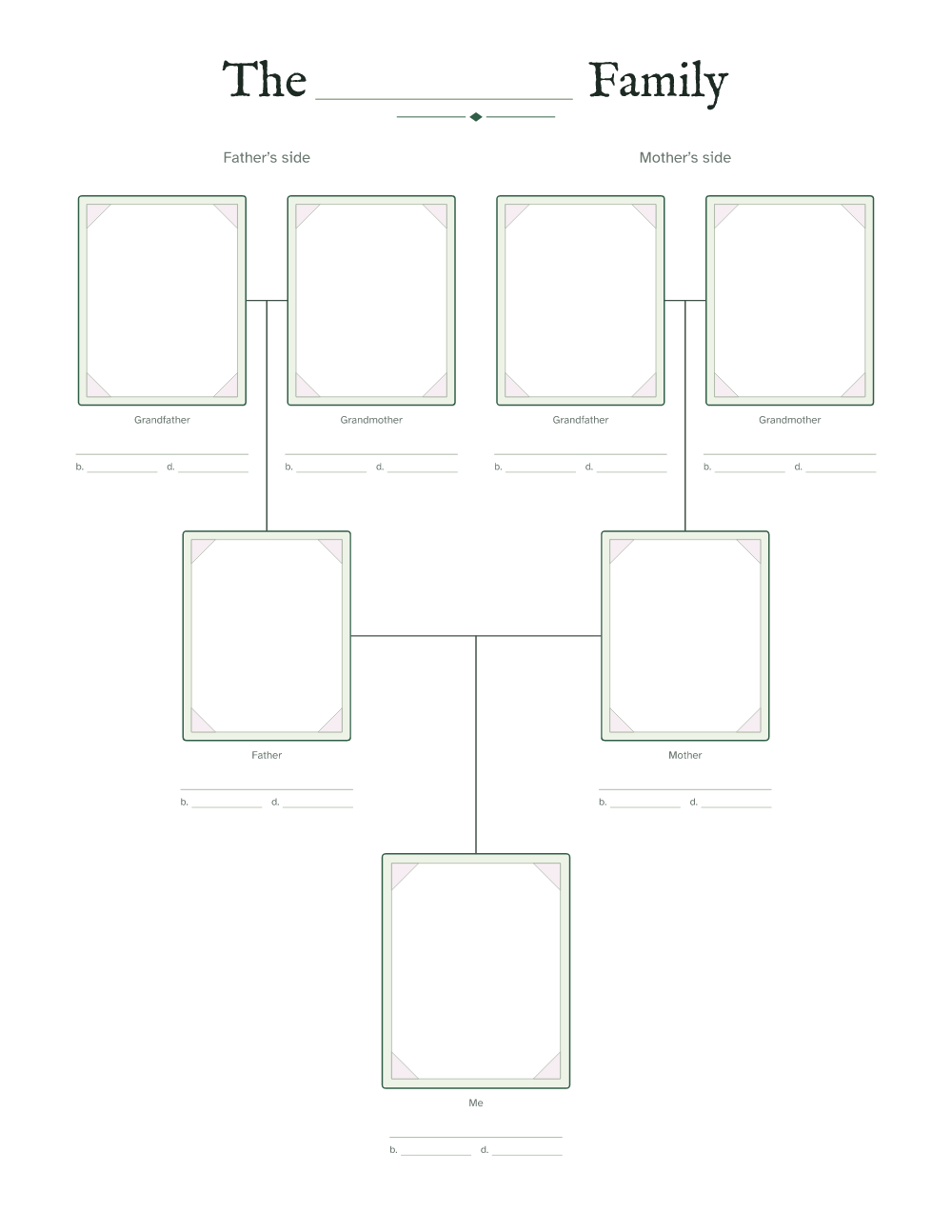
The template has seven frames: you, your two parents and your four grandparents, each with a line for the name and dates. Open “Fill in online” and add a photo for each person. Photos are cropped to a portrait shape and reduced in size so the PDF stays small. They never leave your device: nothing is uploaded.
It prints on Letter or A4 in portrait or landscape. Any frame without a photo prints empty, so you can glue in a printed picture instead.
Tips for good results
- Use photos where the face fills a good part of the picture; small faces in group shots get lost.
- Scan old prints at 300 dpi or take a straight-on photo of them in daylight.
- Try to use photos from a similar age for each generation, for example wedding photos for all the grandparents.
- Print on matte photo paper or heavy card for a gift; do a test print on plain paper first.
Bigger trees with photos
For more people, the family tree maker takes a photo for anyone in the tree and prints at any size, up to a poster. For a school project without photos, see the 3-generation family tree or the kids’ worksheet.
More printable family tree templates
- Blank family tree
- 3-generation family tree
- 4-generation family tree
- 5-generation fan chart
- Kids’ family tree worksheet
- Family group sheet
- All templates, including the decorative tree and the extended family (cousins) tree
Frequently asked questions
Are my photos uploaded anywhere?
No. Photos are processed in your browser and saved on this device only, so they are there when you come back.
How many photos fit on the template?
Seven: you, your parents and your four grandparents.
Can I make a family tree with more photos?
Yes, with the family tree maker, which accepts a photo for every person and prints large trees on several pages or one poster.